iOS
iPhone and iPad
Opens in Safari, then sits on the home screen like any other app.
- 01Open Spindl in Safari
- 02Tap the Share button
- 03Choose Add to Home Screen
Download
iPhone, iPad, Android, or a browser. Same login, same menu. Spindl installs as an app and stays up to date.
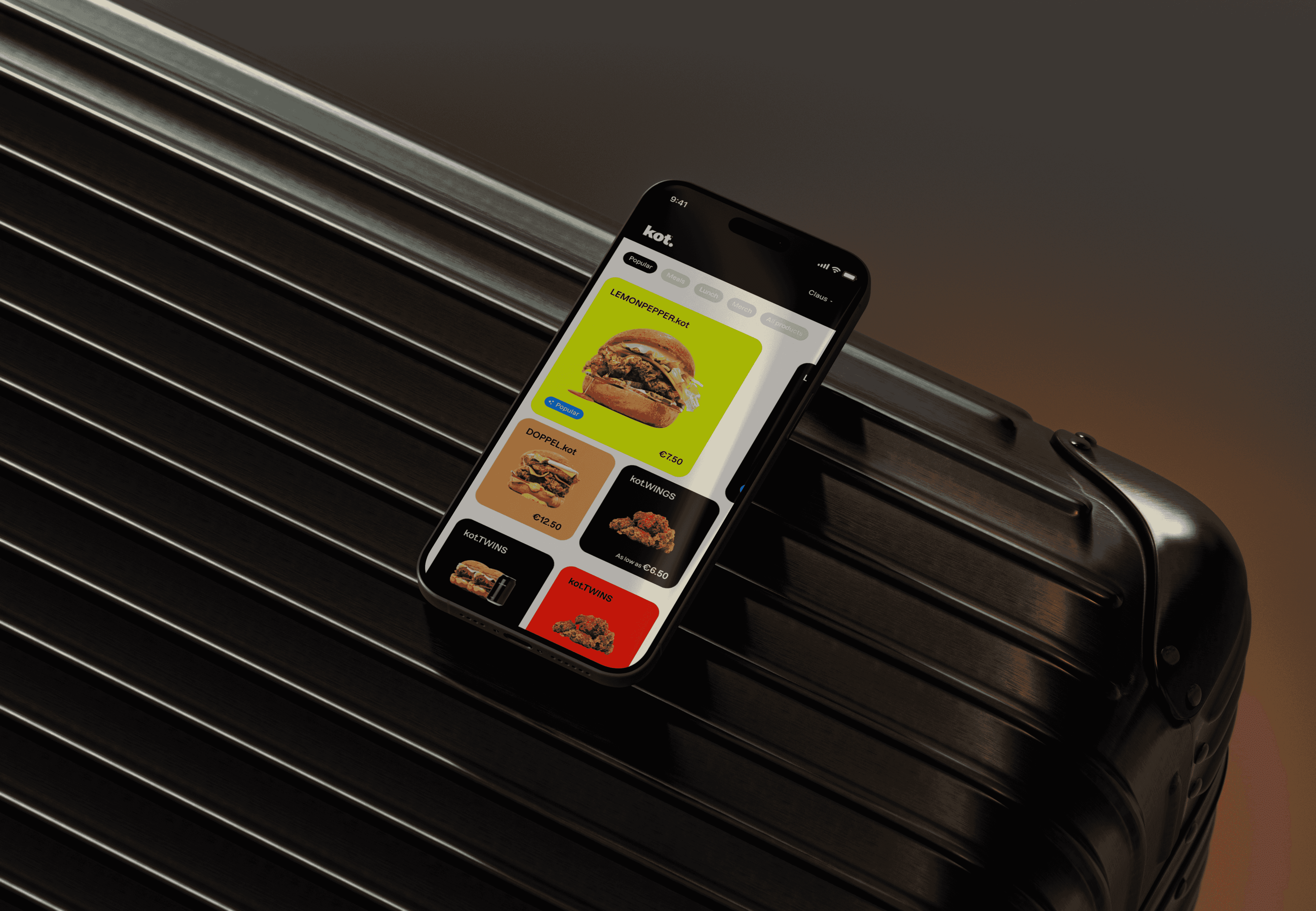
iPhone and iPad
Opens in Safari, then sits on the home screen like any other app.
Phones and tablets
Chrome installs it onto the home screen. It updates on its own.
Any browser
The full app on the counter, in the office, or on a laptop. Nothing to install.
Spindl is a web app. Add it to the home screen and it opens full screen, with the icon, like the other apps on the device.