What is a restaurant POS terminal? How it powers service
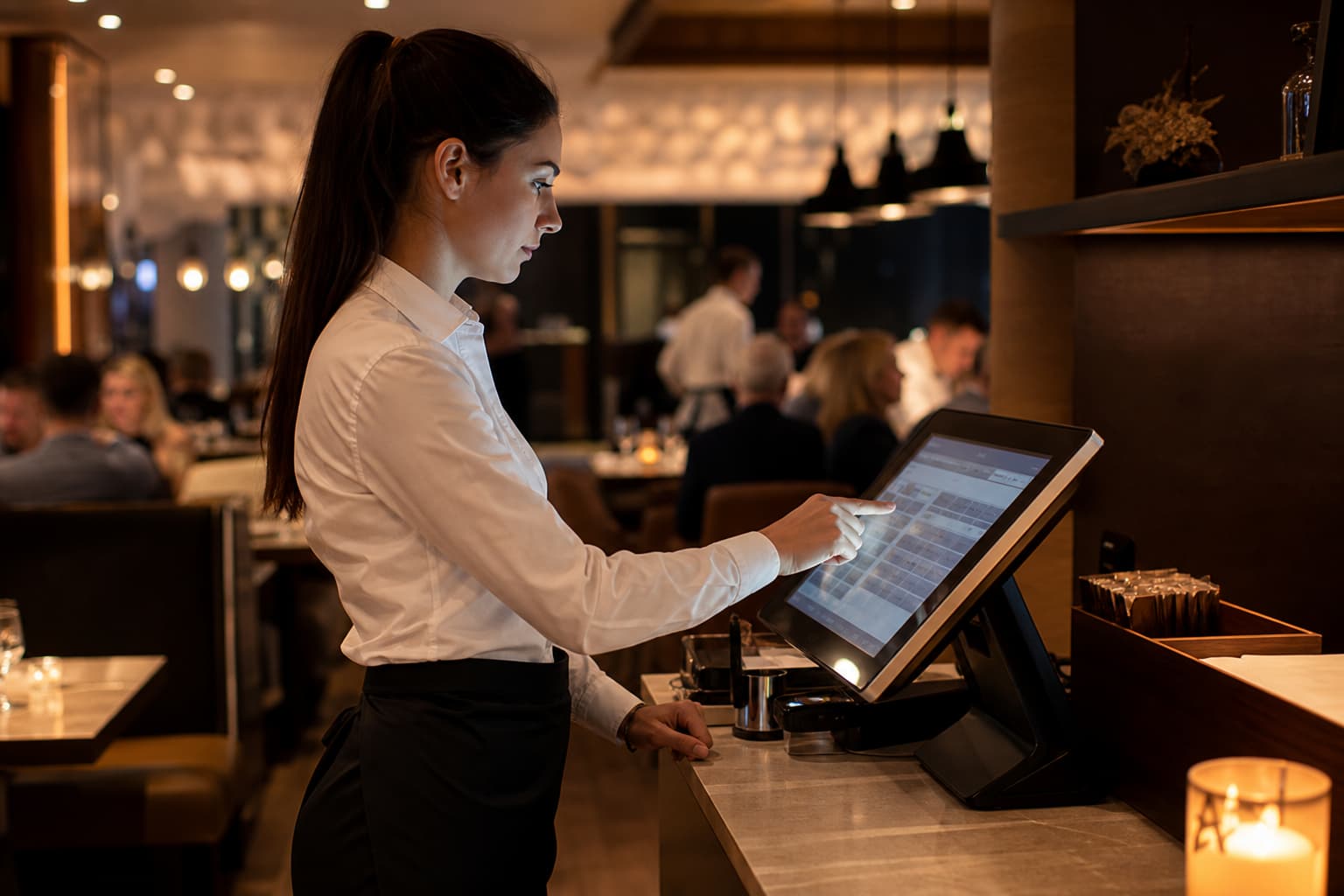
What happens the instant a server taps an order into a counter touch screen? That physical hardware is a restaurant POS terminal, the frontline engine of your service floor. Confusing it with a retail register causes ticket chaos and slow table turnover. Here is how it works.
Understanding the restaurant POS terminal
A POS terminal in a restaurant is the physical hardware device – such as a stationary touchscreen, countertop unit, tablet, or handheld terminal – that staff use at the counter, bar, or tableside to enter orders and collect payments.
Unlike a standalone cash register that simply totals numbers and holds cash, a POS terminal acts as an active digital node. It translates staff taps into direct electronic commands sent straight to kitchen screens, updates inventory counts, and syncs FOH activity with BOH management tools in real time.
POS terminal vs. POS system: What is the difference?
Operators often use these terms interchangeably, but they serve distinct functions:
- The POS terminal: The physical hardware (the screen, tablet, or handheld) situated on the floor. Its primary job is quick, accurate order entry and payment processing at the point of interaction.
- The POS system: The overarching hardware and software network. This includes terminals, Kitchen Display Systems (KDS), receipt printers, payment processors, and cloud software managing inventory, payroll, and reporting.
Think of the terminal as the steering wheel and the POS system as the entire vehicle. Moving from basic digital tools to a unified restaurant POS platform ensures your front-of-house hardware stays in continuous sync with your kitchen and administrative software. Research shows that 84% of full-service operators report significant revenue gains after adopting integrated POS technology.
How a POS terminal works in a restaurant
During a busy shift, a restaurant POS terminal drives an automated order lifecycle:
- Order capture and forced modifiers: Staff tap menu items on screen. Enforced modifier prompts require server selections – such as meat temperature, side substitutions, or allergen flags – preventing incomplete tickets from reaching the kitchen.
- Direct kitchen routing: Confirmed orders route automatically to assigned prep stations or KDS screens. Direct digital transmission eliminates illegible handwritten paper tickets and boosts order accuracy across shifts.
- Secure payment processing: At checkout, the terminal connects to card readers running compliant EMV chip functionality. Built-in options like Spindl Pay keep checkout fast and secure during peak rush hours.
- Automatic inventory and sales updates: Finalized transactions automatically deduct raw ingredients from stock records. Integrating POS hardware with inventory prevents unexpected 86'd items and protects margins without manual late-night counts.
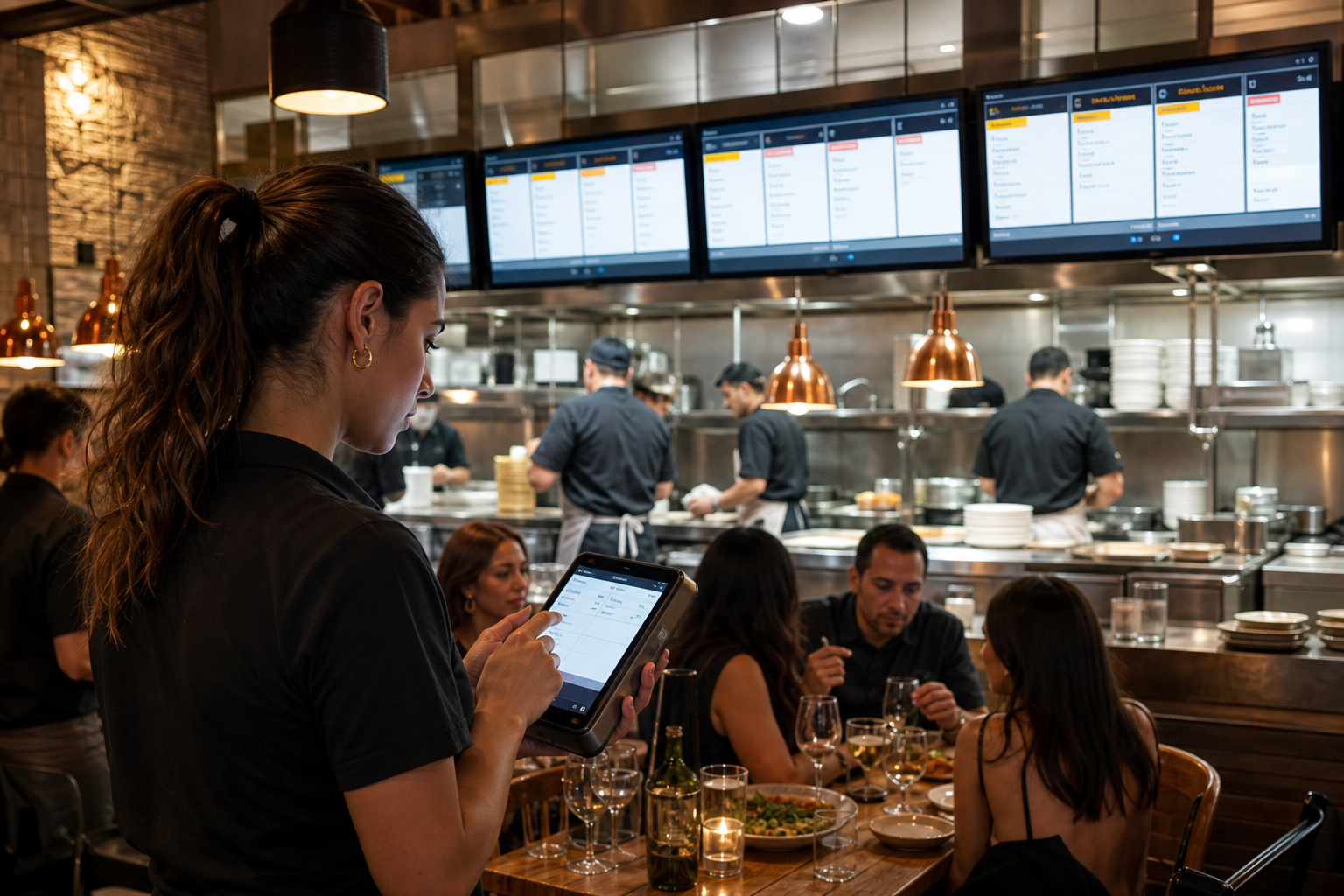
Restaurant POS terminals vs. standard retail POS and cash registers
Not all point-of-sale hardware can handle food service. Using generic retail equipment in a restaurant creates service bottlenecks, ticket errors, and floor friction.
| Feature | Cash Register | Standard Retail POS | Restaurant POS Terminal |
|---|---|---|---|
| Primary Focus | Ringing up totals & holding cash | Simple barcode scanning | Complex order routing & fast service |
| Order Modifiers | None | Basic product variants | Forced modifiers, course firing, prep notes |
| Kitchen Sync | Manual paper handoff | Rare or unoptimized | Direct routing to KDS and print stations |
| Bill Splitting | Manual math | Basic item splits | Seat-based splits, partial payments, group tabs |
| Inventory Tracking | None | Unit-based SKU counts | Ingredient-level deduction (e.g., ounces of sauce) |
Retail systems rely on scanning static barcodes on finished products. In contrast, a modern POS terminal interface empowers staff to process custom modifications, manage seat positions, release courses, and split checks in seconds.
Managing multi-terminal workflows with modern tools
As your operation grows to include multiple terminals, self-service kiosks, and third-party delivery apps, managing back-office settings across screens gets complicated. Re-keying orders across separate delivery tablets creates unnecessary labor costs and constant staff stress.
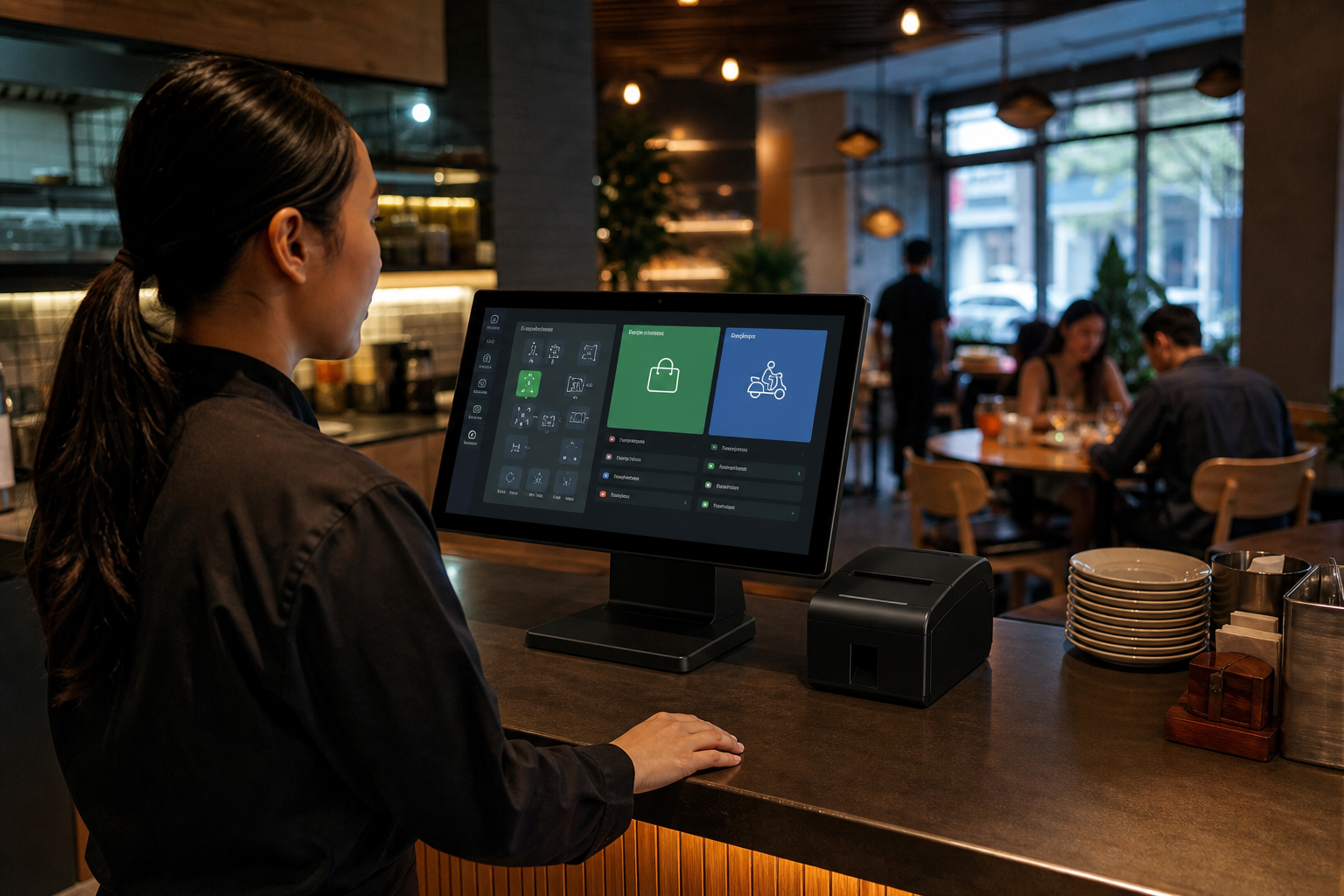
Unified management software solves this chaos. An all-in-one platform like Spindl consolidates dine-in, takeaway, and online delivery streams into a single till interface, eliminating multi-tablet clutter on your counters.
If you are not ready to replace your hardware yet, you can start free with AgenticPOS on your existing system. It connects to your current POS via an MCP server, letting you manage over 140 operational functions – from updating menus to checking shift labor – by chatting with AI agents through Claude, ChatGPT, or Slack. As your multi-location operations scale, upgrade to AgenticPOS Pro, or move to the full Spindl ecosystem when you are ready to retire legacy tech.
Streamline your service floor
A restaurant POS terminal is far more than a digital till. It is the frontline connection between your front-of-house staff, your line cooks, and your back-office reporting. Choosing hardware built specifically for hospitality speeds up table turnover, cuts ticket errors, and delivers real-time POS analytics data to protect your margins.
Ready to simplify service with a fast, intuitive system? Explore Spindl POS features or discover our marketplace of seamless integrations at Spindl Integrations today.